


I set myself multiple goals as I embarked on this project. I wanted to discover how LLMs have advanced and how they could be used (and whether they could be used) to develop solutions faster and better than the traditional approach. I wanted to build a mid-size project and see if the size and complexity would throw them out of the loop, as even a small project had done a year earlier. Finally, I wanted to discover Cursor and understand if it were a tool I’d be happy to adopt.
What I decided to build
To that end, I decided to build a CLI utility toolkit for Data Engineers that would leverage declarative flows to generate code for database migrations, transformations, and data quality checks, and also perform those steps. The tool would need to leverage a framework that allows for easy extensibility.
I also wanted to touch on both the frontend and backend. In my previous experience, AI agents I used for coding performed much better at generating front-end code, and I wanted to see whether this had changed. I looked to develop an autogenerated static documentation site as part of the project.
I also wanted to see how the LLM would perform, tackling more complex issues and problems, such as introducing a SQL-to-Python (Pandas, PySpark, Polars) interpreter.
And finally, leverage it to develop a user, developer, and code documentation.
How I decided to test the tool
I decided to “seed” the project by setting up its base myself to provide the initial structure, hoping to avoid a very creative start that would be difficult to fix. After this starting point, I tried to prevent coding directly or even using the “smart” autocomplete; instead, I relied on agents to do the work.
My interaction with these agents involved instructing them on what to do, reviewing the code, and testing myself while attempting to steer the LMS to perform the tasks as autonomously as possible. While building some of the project’s first features, the LLMs rebuilt much of it from scratch, and I tried to steer them toward leveraging existing frameworks and tools as much as possible.
I didn’t create custom settings and rules for Cursor, which allow embedding reusable context into LLMs, primarily because of the short free-trial period. However, they would likely improve performance when used effectively.
Finally, I tried to maximize the number of credits I could earn during the free trial, hoping to reach my goal of developing a mid-size project using LLMs.
What was achieved:
I vibe-coded with Cursor for 4 days before being extremely rate-limited, effectively stopping any further attempts, which was counterproductive.
During these 4 days, we developed 95,349 lines of core project code. 84,136 represented the core Python project, 12,448 were for HTML and JavaScript, and an additional 22,062 lines were for tests.

In addition, extensive documentation was produced and published on a local Mkdocs site.
The code produced is generally of acceptable quality, well-documented via docstring, tested heavily via unit tests — but a significant part of that is due to repeated requests / prompting for refactoring, introduction of tests, and introduction of additional context for documentation. The code produced by LLMs out of the box is quite far from that. For instance, the content of the tests introduced is not really something I focused on improving during the free trial, and it is sometimes a bit meaningless or not exhaustive enough for what they are trying to accomplish.
Challenges dealing with Vibe Coding & LLMs
The first challenge with working with agentic coding is its asynchronous nature; to me, it felt very similar to playing Civilization back in my middle school days, distorting my perception of time and often finding myself at 4 in the morning still wondering if I should go for one more prompt or finish the day there. Coding this way can sometimes be frustrating, as you need to wait for the Cursor to finish the various steps of interacting with AI-Agents before the turn is effectively passed to the human in the loop (HTIL). This is something I am sure we will see improve in the future, either through LLMs and Coding agents taking on more sophisticated, longer tasks, or through faster performance, effectively providing a more “real-time” experience at the cost of accuracy.
The second challenge I noticed with LLMs is that they can be some of the laziest workers you’ll find, not fully implementing all that’s been requested, but only the first step out of 10, requiring the HTIL to push them to implement the rest. This has required me to constantly remind them to complete the tasks at hand, and something that I think can easily be automated or even included as part of the context’s additional rules.
Thirdly, I faced diverse coding-oriented challenges, ranging from LLMs’ default to vanilla code, to not leveraging existing libraries or the required level of abstraction, and to debugging when all the code was not already present in the code base (when using an existing library). Encapsulation was also an issue; for example, when asked to introduce plugin patterns within the code while keeping some of the relevant code outside the plugin, or to implement changes at the right responsibility level, this was often problematic, leading to stupid bugs.
Fourthly, LLMs sometimes forgot the rest of the codebase and needed to be asked explicitly to re-integrate with it. For example, we introduced a language-agnostic interface called TransformationInstructions to defer processing steps to different code generators (Pandas, SQL, etc.), which could convert these instructions into SQL Queries or Python transformations. Still, when introducing new features, such as an SQL interpreter or Data Quality checks, these instruction interfaces were often ignored in favour of tighter coupling or the creation of another set of instructions altogether.
LLMs also often generate errors, such as testing errors that require a few cycles to resolve, sometimes requiring the introduction of new concepts, specific testing frameworks, or tests, or the removal of particular libraries to unblock the LLM.
Besides these challenges, some tasks were complex for LLMs to complete, especially those involving implementing business logic or handling non-vanilla changes that may not have been adequately documented elsewhere. An example of that was the implementation of a selection menu in the documentation site’s lineage view. The lineage view was generated using d3.js, while the frontend framework had been migrated to leverage Semantic-UI. The two components interacted unexpectedly, and the LLM tried to fix it through trial and error, a brute force approach rather than trying to understand an external codebase and how the components might interact with each other.
What’s good from LLM
LLMS was particularly good at providing the basic structure of the code, allowing for bootstrapping a larger project that could be “finished” by hand if needed. As such, they provide some form of templating for projects that you would want to tackle from scratch. Particularly helpful were the generation of CLI commands, which could then be refactored as needed.
The code generated included docstrings and type annotations and could generate extensive unit tests, though some proved meaningless. With enough steering, I’m sure these unit tests could be rendered more meaningful.
One key aspect of LLMs is their ability with language, and this shows. LLMs are really good at creating extensive documentation, whether in docstrings or user or developer guides.
Steering LLMs
Vibe coding involves a lot of steering LLMs toward what you intend them to do. It requires constant prompting with the correct sentence to bring them to the right path.
For instance, to push them to create a testing framework to test themselves and unblock their trial-and-error process, rather than giving them the code output to debug, by, for example, introducing Cypress and asking them to test using it as part of the prompt.
Asking them to step out of an existing approach, such as leveraging a particular framework to address inter-framework compatibility issues (e.g., the Semantic UI-D3.js issue previously mentioned).
Forcing them to create additional abstractions rather than trying to get them to brute force through the problems, such as introducing QualityCheckQueryConsolidator, QueryConsolidationAnalyzer, and other abstractions to help consolidate and combine the different queries generated for the data quality checks into more efficient queries, rather than trying to get Cursor to do it all on its own.
Other things could be fixed by asking it to review the approach (i.e., search), plan, and think before moving into the implementation phase.
Last but not least, I have been pushing them to refactor, refactor, refactor, asking them to respect encapsulation rules and diverse rules (on using constants and templates) and to refactor for modularity.
Conclusion
Overall, I was pleasantly surprised by the progress made over this past year. In the hands of a senior developer, this tool can deliver significant efficiency gains, particularly when using Cursor in areas where it excels, such as generating initial template code or creating documentation.
I learned how to interact better with the LLMs and steer them to do, and I am sure that, given additional time and customization, I would be able to eke out even more performance from them for coding tasks.
Cursor proved more mature than I expected and, aside from some memory issues, worked quite effectively. The integration with the AI agent surprised me, allowing the agents to execute part of the code in a sandbox that requires user approval. This is a constraint I lifted very soon after in favour of greater efficiency, effectively moving the Human outside that approval loop.
The code generated at first go is not of an appropriate quality. Still, the LLMs can be steered towards creating higher-quality prompts, and this could be templated as part of the rules to improve efficiency.
Finally, Cursor can generate and operate on a medium-sized codebase through a series of actions to search and summarize parts of it, sometimes forgetting pieces here and there (such as the TransformationInstruction example), but nothing that renders it unusable.
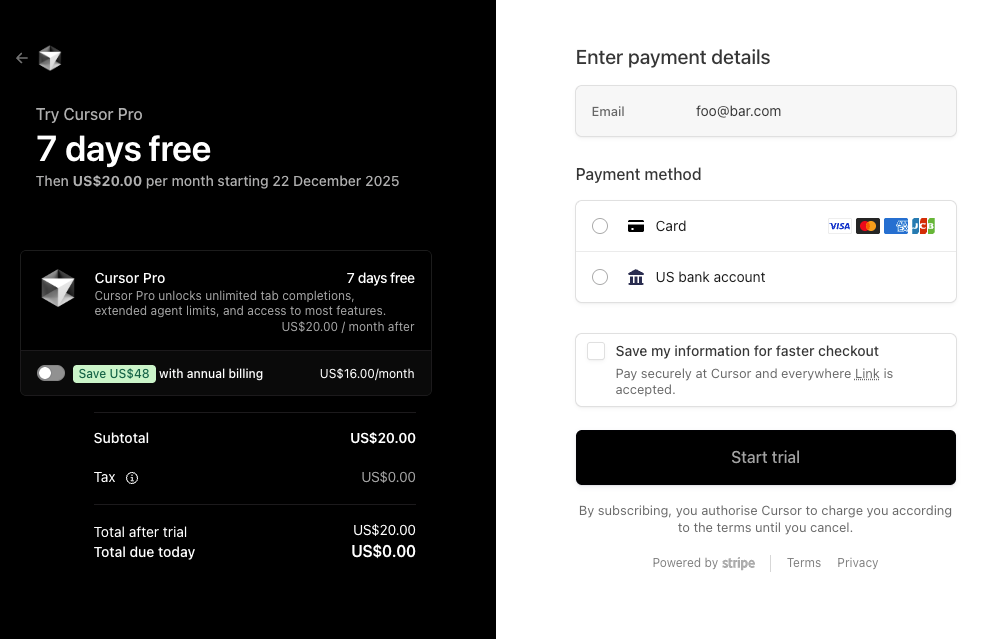
Cursor can definitely add value and bring additional developer efficiency. Still, I decided not to go forward after the free trial, one of the central aspects was the cost. Although Cursor Pro has an advertised price of $20, it offers only $20 of available credit for agentic use. My consumption during the free trial totaled $220 over 4 days, with peaks around $70/day in the first few days, and was constrained by my working a full-time job during the day and Vibe-coding in my free time.
I had signed up with Cursor for personal use, but the cost level hasn’t yet fallen to the right level of affordability for a pet project — at least for me. The journey has left me excited about what’s to come and how I will be able to use these tools once they mature further, be it in 1 year, 2, or more.

